
Separate a Geyser signalling failure from a gameplay timeout
Applies to: Geyser; match the linked maintainer documentation to your installed platform and release.
Documentation checked .
A Bedrock server entry that never appears and a visible entry that times out during joining point to different checks. Current Geyser NetherNet uses TCP for signalling and UDP for gameplay. A successful Java connection proves neither Bedrock path.
Record the starting point
Write down the Geyser build, Bedrock client version, assigned public address and advertised Bedrock port. Keep one failed attempt's timestamp. Use a remote client outside the server network so a local shortcut cannot hide a public routing problem.
Work through the change
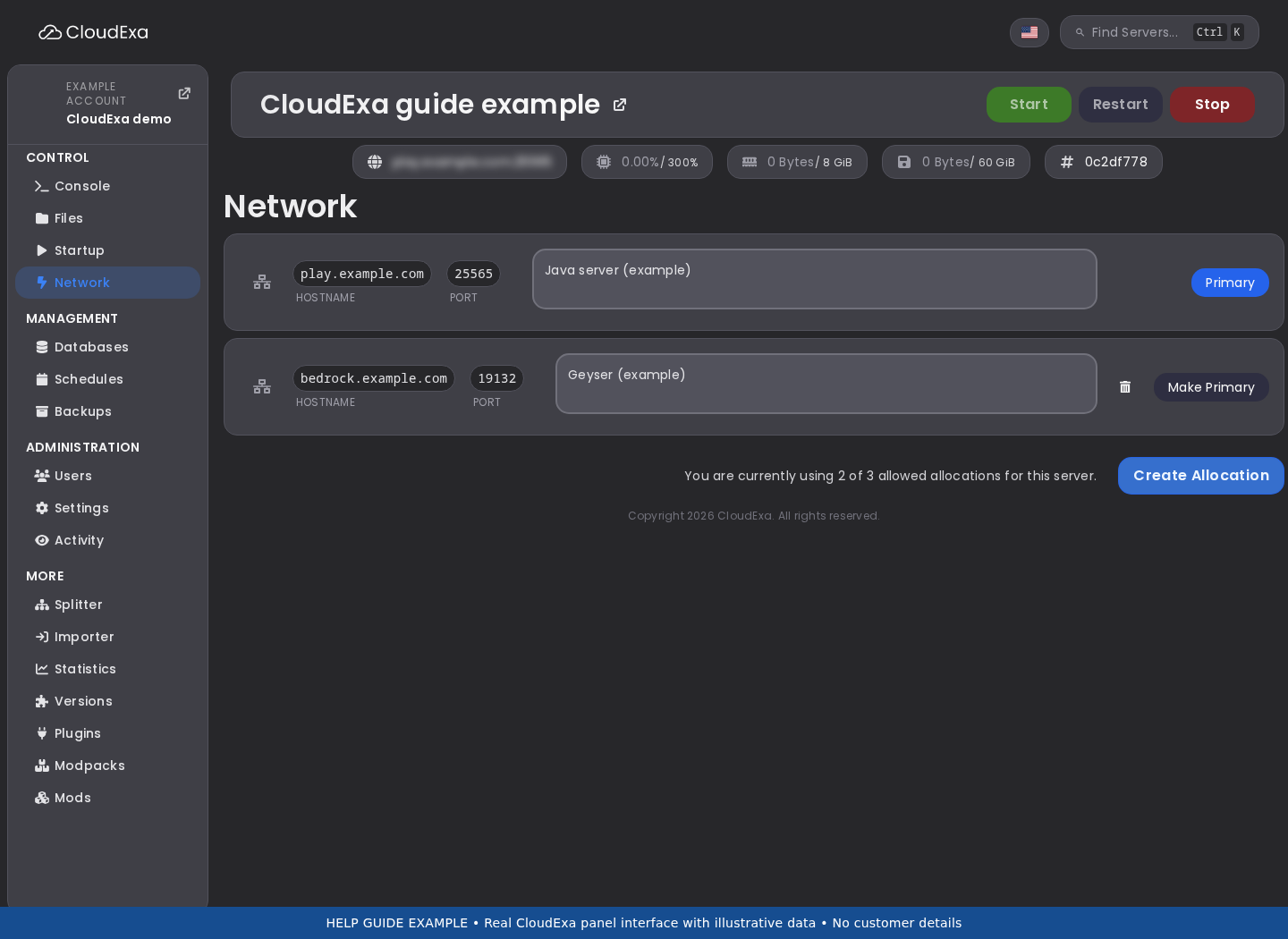
- Open the service Network page and match the configured listener to an allocation that supports the protocols your Geyser setup requires. Ask support about protocol availability rather than inventing a second port.
- From the remote Bedrock client, refresh the server entry and record whether its description and player count appear. Keep this result separate from the later join attempt.
- Attempt one join and compare the timestamp with the Geyser console. Note whether signalling starts, gameplay negotiation begins, or no request reaches Geyser.
- Check any configured external signalling provider as a separate component. The address players save may differ from the Java address and from the address inside the container.
Check the result
Success means a remote player can discover the entry, complete joining and move in the world. Ask the tester to disconnect and reconnect once; cached discovery information can conceal a broken new address. Record the public endpoint they actually used.
If the result differs
An empty console during discovery suggests the wrong endpoint, listener or TCP path. A visible entry followed by a negotiation timeout makes the UDP advertisement and gameplay path worth checking. Authentication errors after negotiation belong to the identity configuration, not a blanket firewall reset.
Restore only the listener or advertisement setting you changed if the previous endpoint worked. Preserve the failed attempt log for support; do not disable Java authentication or reinstall Floodgate to diagnose a missing network path.
No comments to display
No comments to display