
Keep a Simple Voice Chat configuration edit from being overwritten
Applies to: Simple Voice Chat; match the linked maintainer documentation to your installed platform and release.
Documentation checked .
A setting that reverts may have been edited in the wrong file or overwritten during shutdown. Establish which implementation owns the configuration before changing permissions, reinstalling the plugin or repeatedly saving a live file.
Prepare the test
Identify the client mod, server implementation and allocated voice endpoint before changing audio settings. Keep Minecraft joining and voice transport as separate tests; success on one does not prove the other.
Make the change
- Record whether the server uses the Paper plugin or a supported mod-loader build. Check the official file locations: Paper uses
plugins/voicechat/voicechat-server.properties, while mod-loader deployments use the documentedconfig/voicechatpath. - Stop the server normally and wait for the panel to show it fully offline. Download a copy of the target file, then change one harmless intended setting without renaming the file or altering unrelated generated values.
- Save and reopen the file in the panel before starting the server. Confirm the chosen value is present, then start and inspect the initialisation log for a parse error or a plugin loading from a different directory.
- After startup, reopen the file and test the setting through its visible behaviour. Perform a later normal stop and start, checking whether the value persists across both boundaries rather than only immediately after Save.
Check the result
The on-disk value and observed behaviour should agree after the complete lifecycle. Keep the saved original and the startup timestamp so a repeat reset can be compared with scheduled tasks, templates or add-ons that also manage configuration.
If the test fails
Restore the original file while stopped if parsing fails. If the value changes again, identify the process writing it; do not delete the entire configuration directory or reinstall the server to repair an unknown file owner.
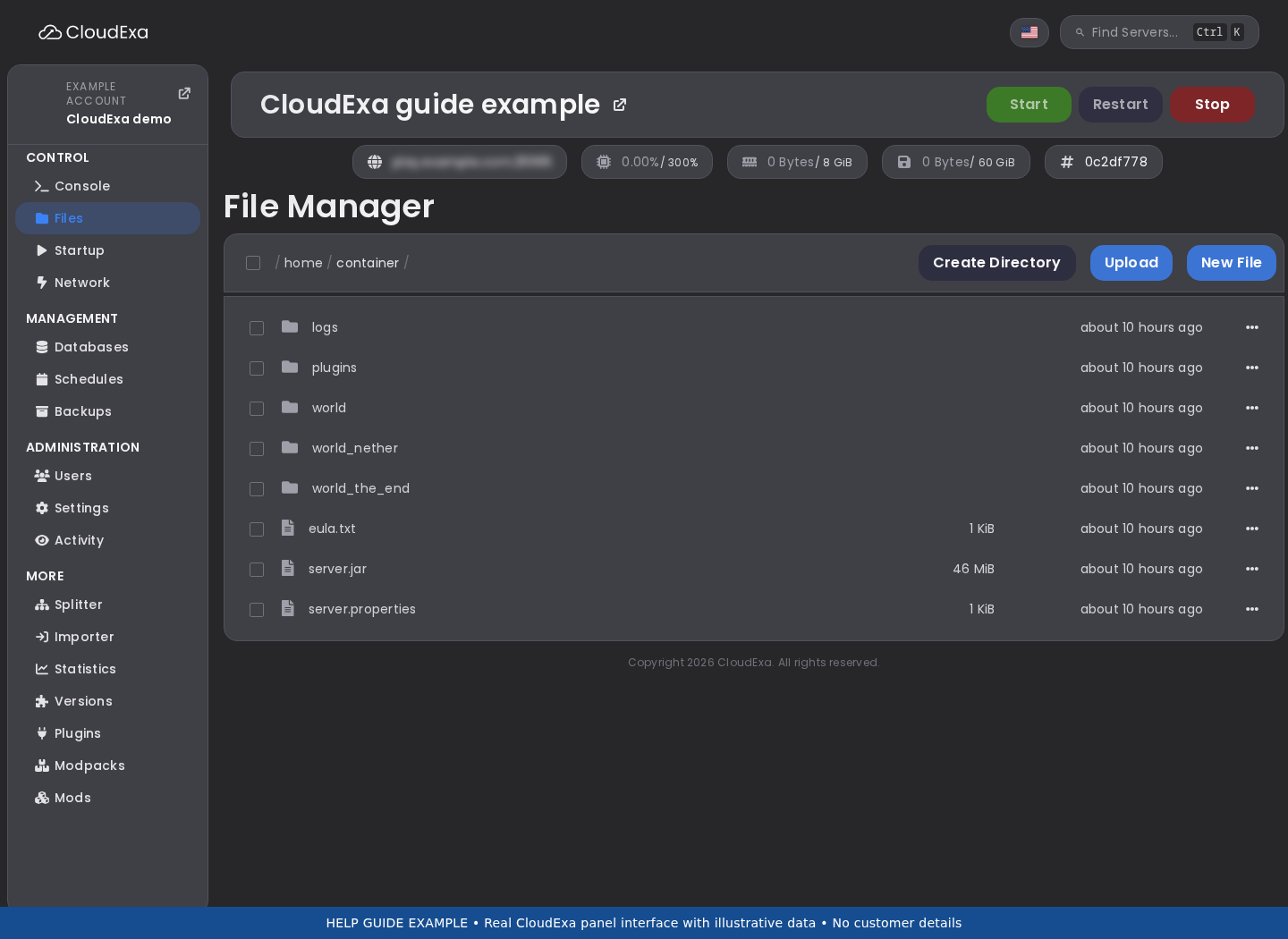
The file editor screenshot shows where to inspect a saved configuration. Match the visible path to your installation instead of assuming every voice implementation uses the same directory.
References and related help
Check the official Simple Voice Chat documentation against your installed release before using a command or setting from another version.
No comments to display
No comments to display