
Review a GrimAC punishment interval before enabling enforcement
Applies to: GrimAC; match the linked maintainer documentation to your installed platform and release.
Documentation checked .
Grim’s punishment configuration can run an action repeatedly after a threshold. Check both the starting threshold and repeat interval so one noisy check cannot trigger an unintended action loop.
Follow the procedure
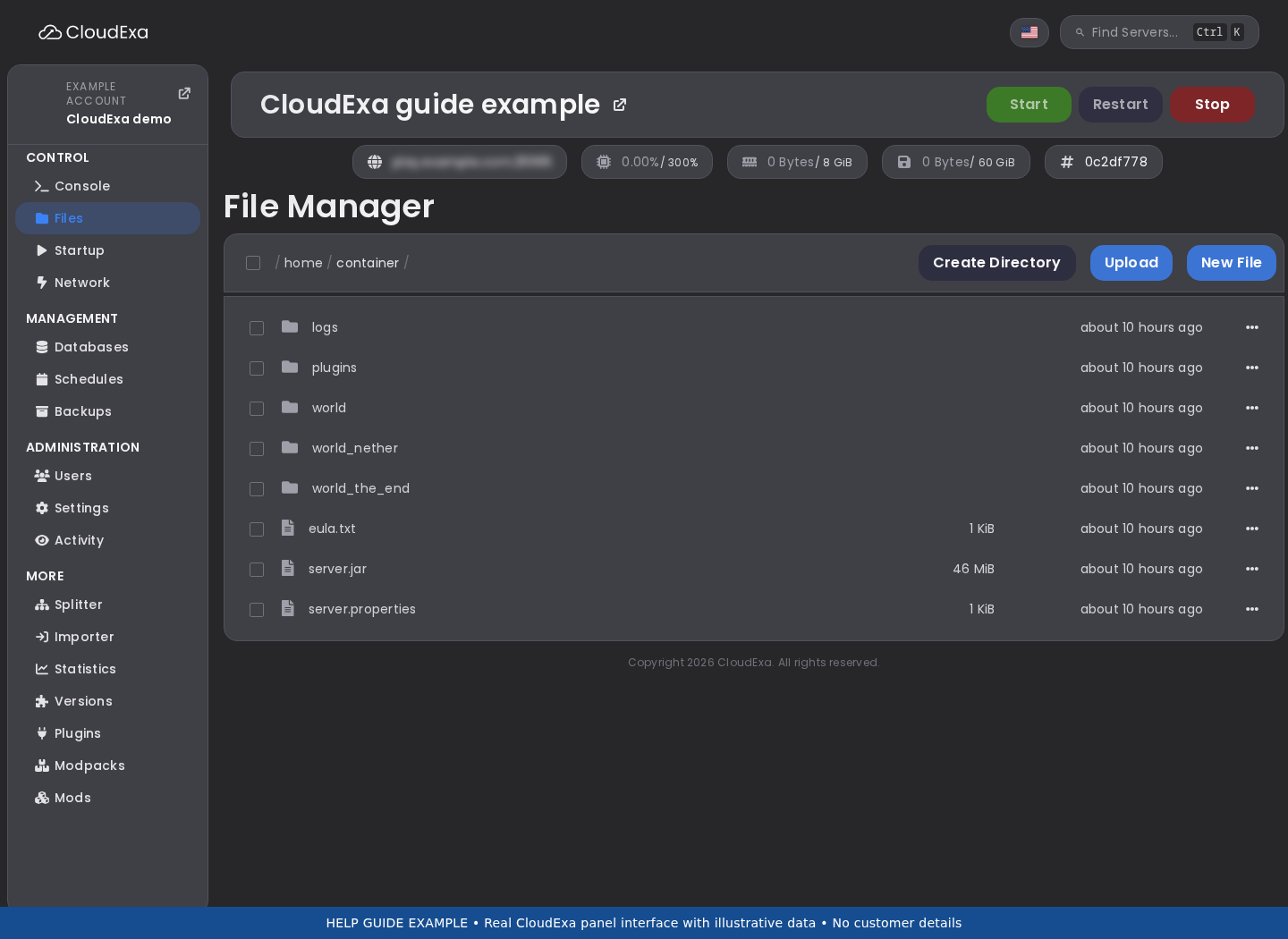
- Open the punishment file generated by your installed Grim release. Save a copy through the panel Files view and identify the exact check group you intend to review.
- Read the maintainer’s threshold-and-interval explanation. In the documented
N:Mnotation, the first number selects the threshold and a positive second number controls later repetitions. - Write out the first several firing points for each configured action. A zero repeat interval has a different one-time meaning in the documented format and should be reviewed explicitly.
- Check the violation-removal window and the checks included in that group. Do not assume counts accumulate forever or that every alert belongs to the same group.
- Rehearse edits on staging using notification or logging actions before adding a punitive command. Verify command ownership, player substitution and permissions against the installed example file.
- Have another administrator review the expected sequence. Enable a reviewed production policy only after normal movement and known compatibility cases have been observed without unexplained enforcement.
Check the result
The configured action sequence should match the written thresholds and intervals, including repetition and violation expiry. Alerting, logging and punitive commands can have different firing points. Checking the first action alone does not prove later repetitions are safe.
If the result is wrong
If an action repeats unexpectedly, revert that group to its saved definition and preserve the alert sequence. Avoid fixing a repeat loop by globally exempting players or deleting evidence. Remember that Grim reload resets online violations, so record the pre-change state before using the supported reload control.
No comments to display
No comments to display