
Save a spark profile locally before sharing it
Applies to: spark; match the linked maintainer documentation to your installed platform and release.
Documentation checked .
A performance report can disclose server software, plugin names, paths or other operational details. Spark supports local output for supported reporting commands. Saving locally lets staff inspect a capture before deciding which information should leave the service.
Record the starting point
Check the command help for the installed spark build and identify where the service can store diagnostic files. Record the symptom and test window. Ensure there is enough free space for the capture and that the destination is not a publicly downloadable web folder.
Work through the change
- Start a bounded profile for the actual symptom and record the triggering action. Avoid collecting a long idle session when a short reproduction is available.
- Use the documented local save option when stopping the capture, such as
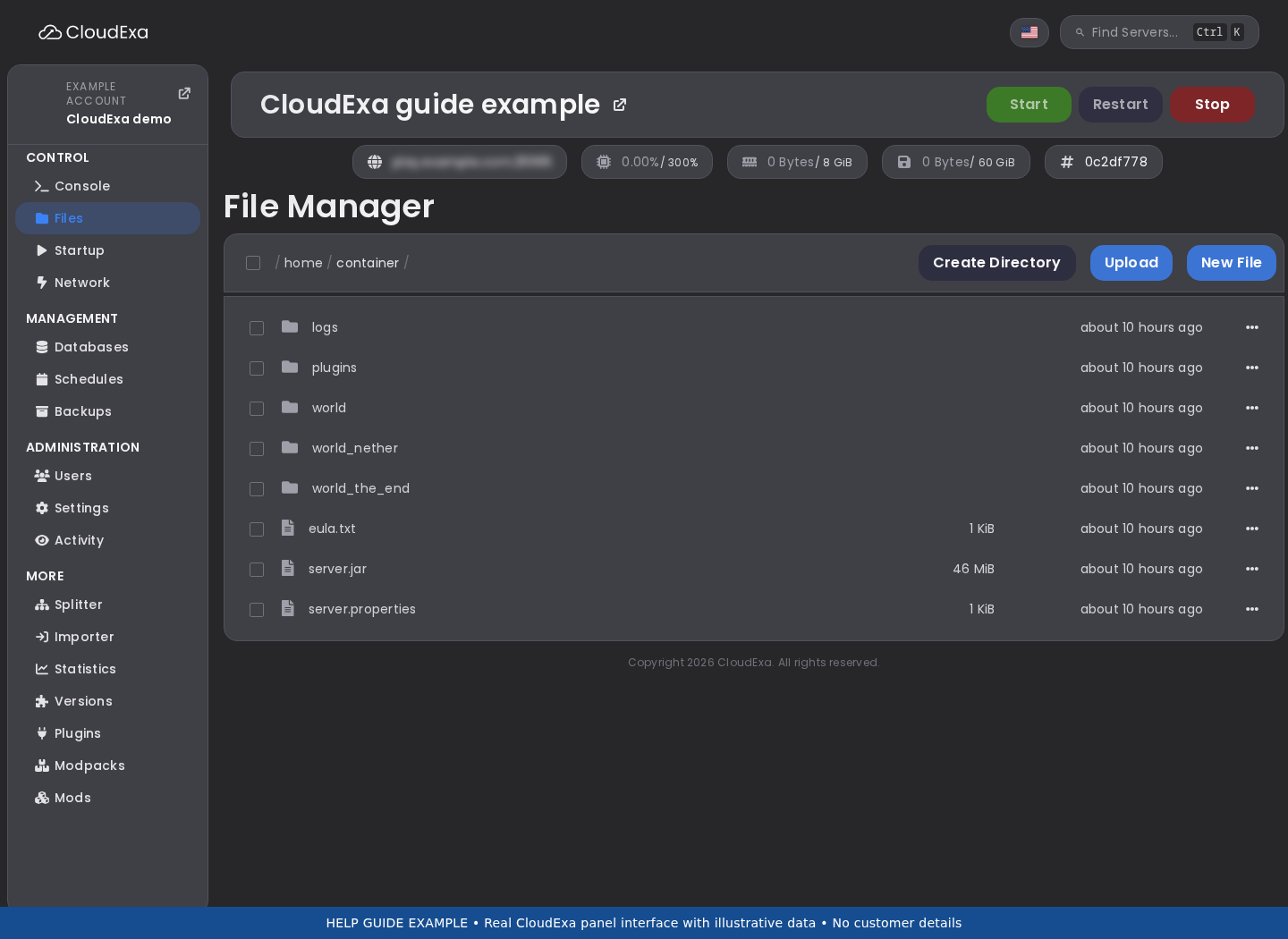
/spark profiler stop --save-to-file. Read the returned location rather than guessing a filename. - Download the saved file through the service's authorised file access. Review its metadata and follow the viewer's supported local-file workflow if you need to inspect the profile without publishing it.
- Share only with the intended support recipient and state which details were removed or withheld. If an upload is necessary, review its visibility and retention before sending the link.
Check the result
You should retain a useful capture with a known private location and an explicit sharing decision. Confirm that the file exists and can be opened through the supported viewer process. A console message alone is not evidence that a downloaded archive is complete.
If the result differs
If the command reports an unsupported flag, check the installed version's help instead of pasting options repeatedly. If saving fails, inspect free space and permissions for that service. Do not make an entire plugin directory publicly readable to retrieve one report.
Cancel the capture if local saving cannot be completed safely, preserving the relevant logs. Remove temporary diagnostic copies only after the investigation's retention needs are understood. Rotate any exposed secret if a report was shared before review.
No comments to display
No comments to display