
Recognize the PremiumVanish API jar before installing an integration
Applies to: PremiumVanish; match the linked maintainer documentation to your installed platform and release.
Documentation checked .
Follow the procedure
- Read the integration developer’s installation requirements and the PremiumVanish API repository notice. Determine which jar is the actual server plugin and which is only a compile-time API artifact.
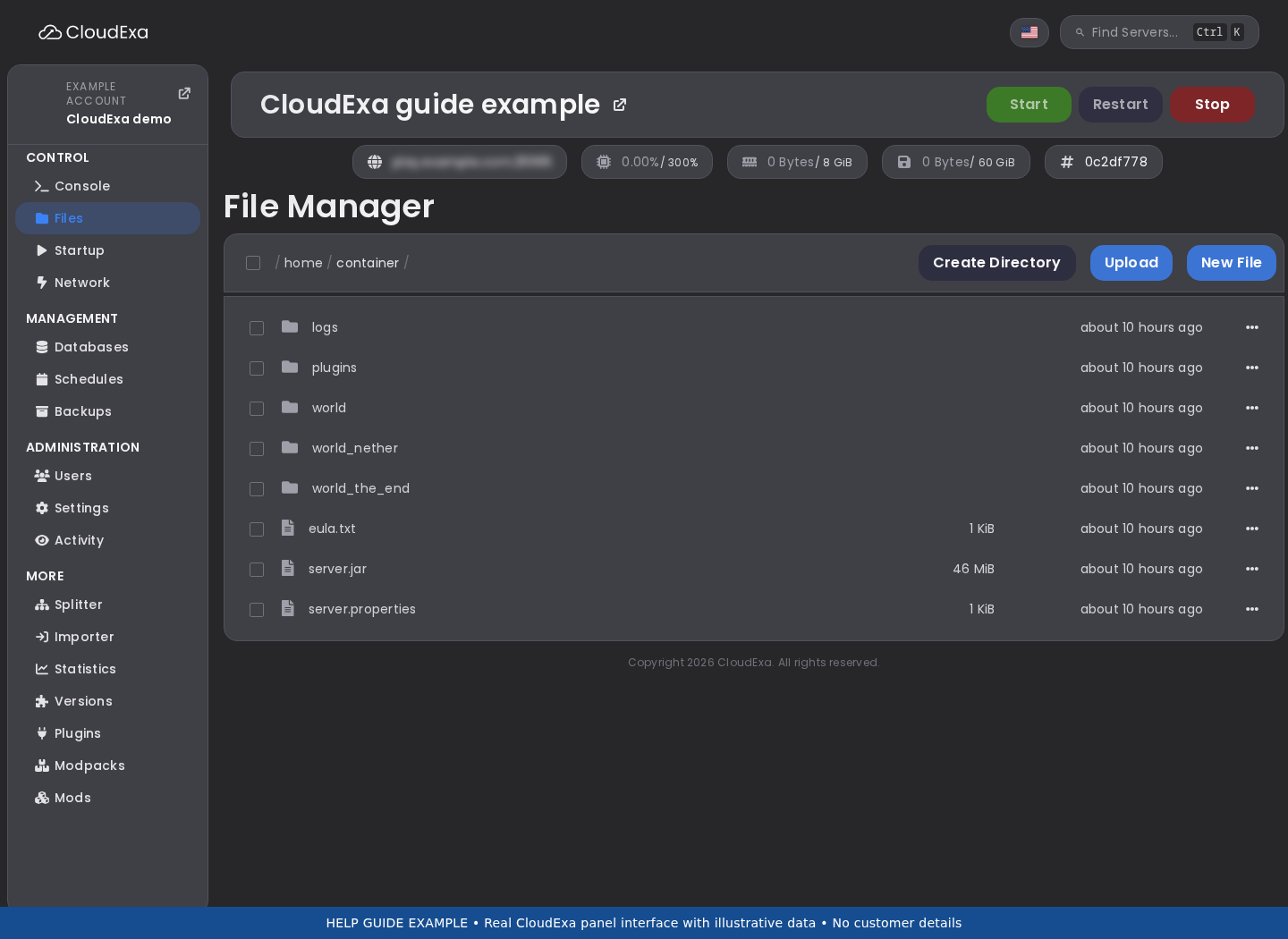
- Open the game panel Files view and list existing vanish-related jars. Record filenames, versions and their legitimate download sources before moving anything.
- If an API-only jar was uploaded accidentally, stop the server for a controlled correction. Keep a copy outside the plugin load directory rather than deleting unrelated plugin data.
- Install the supported actual plugin from the authorized source, together with the integration version it supports. Do not use an unverified third-party fork as a substitute for the licensed dependency.
- Start the server and read the first plugin-loading messages. Confirm the vanish plugin and integration both enable without a stub-API warning or missing-class error.
- Exercise one read-only integration feature with a test account, then confirm ordinary vanish still works. Preserve the previous working jar and configuration until the check is complete.
Check the result
The server should load the actual PremiumVanish plugin and the integration should find its runtime API. A jar named after an API does not establish that the feature is installed. Verify the startup result and one practical integration action before closing the maintenance task.
If the result is wrong
If class-loading errors persist, restore the matched previous plugin set and capture the first exception for the integration maintainer. Do not keep multiple versions of the same plugin in the load directory or remove configuration folders to force a clean startup.
No comments to display
No comments to display