
Collect a FancyHolograms display report after a Minecraft update
Applies to: FancyHolograms; match the linked maintainer documentation to your installed platform and release.
Documentation checked .
A Minecraft update can expose a plugin compatibility problem that affects one display type or one client. Collect a small reproducible case before rebuilding the existing public displays.
Prepare the test
Use a uniquely named test display away from busy player paths. Keep an administrator available, but make visibility and readability decisions from a separate ordinary player account.
Make the change
- Record the Minecraft build, FancyHolograms version and affected client versions. Capture the first relevant startup error and check the maintainer’s release guidance for the installed combination.
- Inspect one affected object’s type and properties without changing its stored identity. Compare an ordinary player with a staff viewer and note whether the object is missing, malformed or only unreadable.
- Create a harmless simple display through the installed command help in a separate area. Keep its scale and formatting minimal so the test separates basic rendering from a complex design.
- Compare the simple display with the existing object across the same clients. Preserve the original configuration and send a redacted report with the exact difference to the plugin maintainer if needed.
Check the result
Your report should identify the affected display type, client combination and minimal reproduction without exposing private text or customer identifiers. Keep logs from the first failure rather than only repeated follow-up errors.
If the test fails
If a rollback is necessary, follow the server and plugin release compatibility guidance and restore matching configuration from a completed checkpoint. Do not delete every stored hologram to see whether the rendering error disappears.
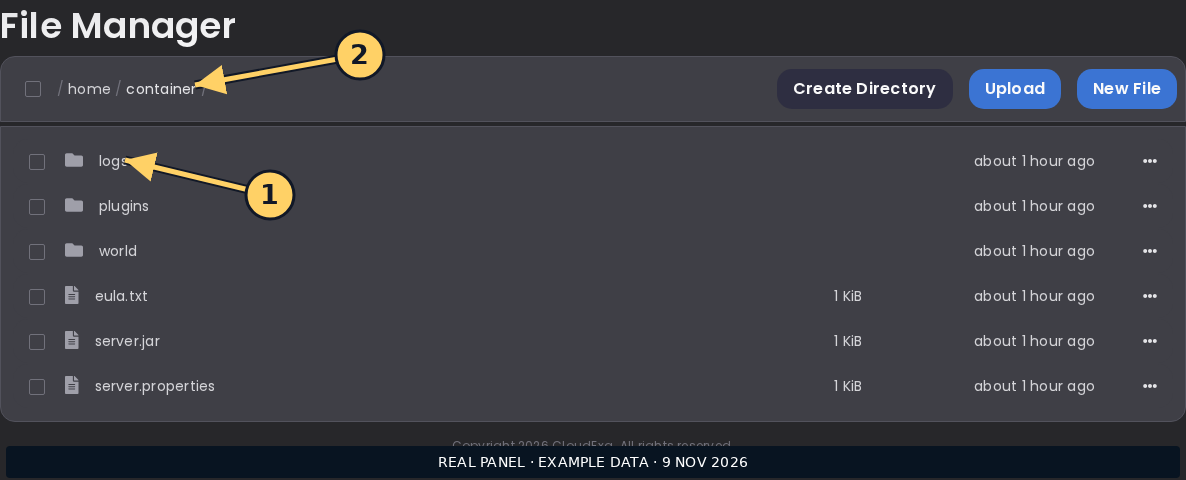
The CloudExa console screenshot is a general log location, not proof that this plugin version has been tested on your particular server.
References and related help
Check the official FancyHolograms documentation against your installed release before using a command or setting from another version.
No comments to display
No comments to display