
Prevent an unused Multiverse event world from loading automatically
Applies to: Multiverse-Core; match the linked maintainer documentation to your installed platform and release.
Documentation checked .
An event world can consume resources even when no event is scheduled. Disabling its automatic load changes startup behaviour, not the contents of its folder. Audit every route to that world before leaving players with a portal that points at an unavailable destination.
Work through the change
- List players, spawn rules and portals that refer to the event world. Move test accounts to a stable lobby and record the world’s current auto-load property.
- Use the installed Multiverse property control to disable auto-load for that named world. Leave the world folder and its managed-world record intact for the planned return.
- If you need to unload it now, use the documented world unload path only after checking players and dependent tasks. Record any refusal rather than forcing files away while the server is running.
- At a planned restart, confirm the event world stays unloaded and the lobby loads normally. Disable or explain its public menu link until the next event so players do not interpret the closure as lost data.
Check the result
The startup world list should omit the closed event world without creating another world under a similar name. Retain a verified backup and the exact folder name. A plugin with its own world loader may still load it, so inspect that plugin’s startup behaviour if it reappears.
Ask the event owner whether any scheduled task, portal or backup routine expects the world to be loaded. Disabling automatic load changes availability, not merely resource consumption. Keep the documented manual return path with the event calendar so staff can prepare the map before participants arrive.
Recover or stop safely
Re-enable auto-load and use the documented load command when reopening the event. Verify portals and player arrival before advertising access. Do not delete the managed record or folder to achieve a temporary startup policy; those actions introduce unnecessary recovery work.
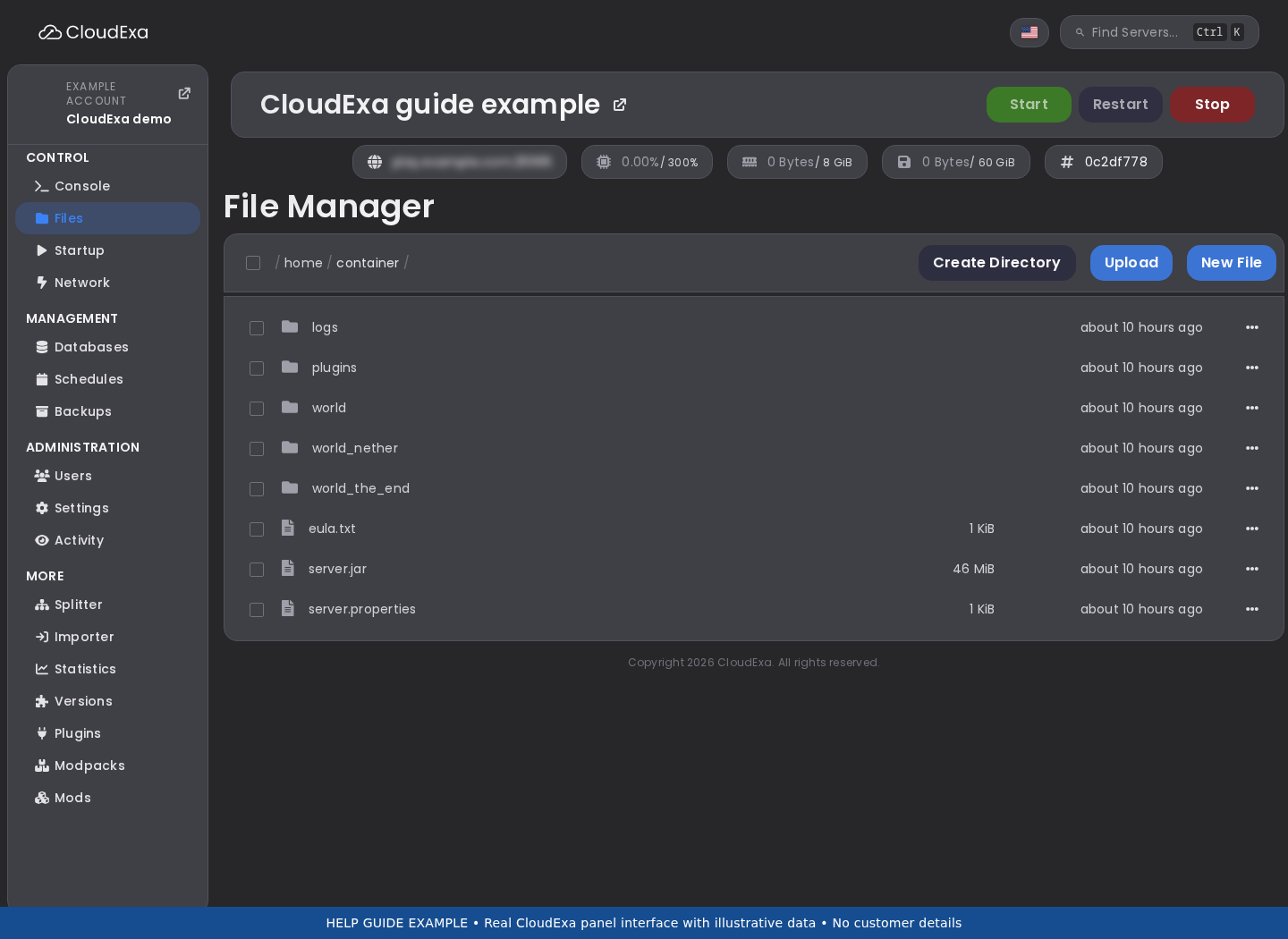
Related guidance and maintainer reference
For the broader setup, read Add and import Minecraft worlds with Multiverse-Core. Check the installed plugin version before applying syntax from the official Multiverse-Core documentation.
No comments to display
No comments to display