
Schedule Minecraft restarts with player warnings
A planned restart should give players time to finish and should use a normal stop-and-start action. It is not a substitute for investigating crashes or a memory leak. Begin with one supervised test before leaving a schedule to run unattended.
Choose a maintenance window
Ask when players are least active, and publish the expected interruption. Confirm the schedule timezone rather than assuming the panel uses your computer's clock. A local timezone can change with daylight saving; check the next-run time whenever a seasonal clock change matters to your community.
Open your server's Schedules section in the CloudExa helpgame guide.panel. Create a clearly named schedule and review its timing fields, enabled state and online-only behaviour. A stopped server does not need an ordinary daily restart, and console warning commands cannot reach a process that is not running.
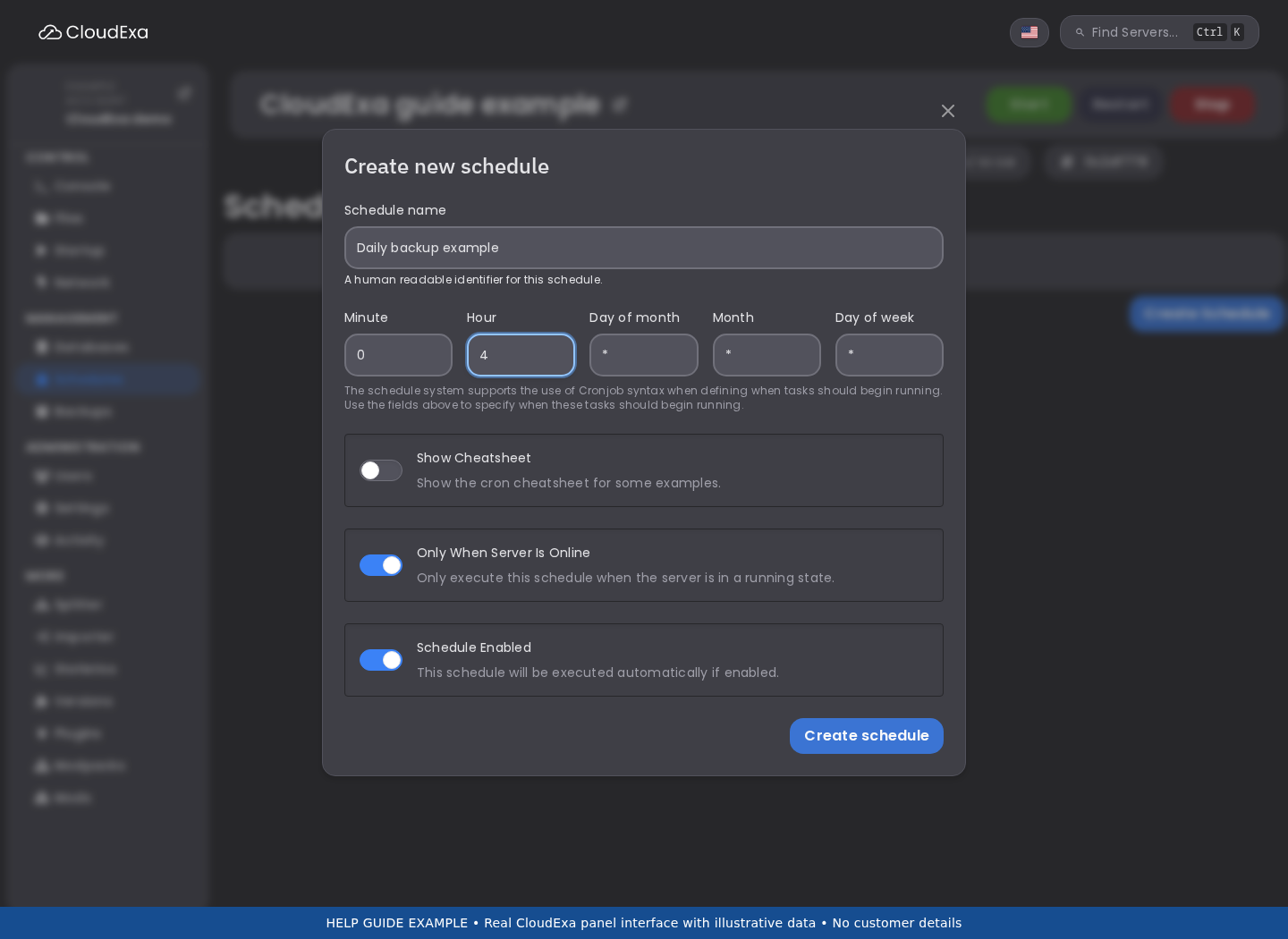
This real panel example shows the schedule form with illustrative backup timing. Choose your own restart warning time; the image is not a saved restart schedule.
Build a warning sequence
The following is a five-minute warning plan, with the scheduled start representing the first warning rather than the restart itself. Use the command and power actions offered by the panel. Commands in the panel console do not need a leading slash.
- At the schedule start, send
say Planned restart in 5 minutes. Please finish up safely. - Wait four minutes, then send
say Planned restart in 1 minute. - Wait one minute, then request the normal Restart power action.
For task systems using a time offset from the preceding task, that is an initial zero offset, then 240 seconds, then 60 seconds. Read the form's description and inspect the saved task order. Do not enter five minutes again on every step: relative delays add together.
Use a normal restart, not a terminate or kill action. Give the game time to finish saving. Avoid repeatedly pressing restart when a save is slow; inspect Console and ask support if the process cannot stop normally.
Keep backup completion separate
A backup request is not proof that an archive has finished. A fixed delay before restarting cannot guarantee a consistent recovery point when file sizes or storage speeds vary. Do not add a backup task and assume the next power action will wait for its completion.
If you need an offline backup in the maintenance window, use a supervised sequence: warn players, stop normally, wait for saving to finish, create the backup, verify successful completion, then start. Arrange automation with support if it must check backup completion before starting. Keep external database exports aligned with the file backup where plugins use them.
Run one supervised test
Choose a quiet moment and tell players this is a test. Check each warning arrives once, the delays match your intention and the server restarts only once. Confirm startup completes, join the world and check player data. Review the next-run time and ensure another plugin or schedule is not also restarting the server.
If a task fails, record the schedule name, server ID, time and error. Disable the faulty schedule while investigating rather than repeatedly running it against active players. Read backup scheduling and retention. Further reading: upstream task actions and offsets.