Trace Plasmo Voice audio after moving between proxy backends
Voice that works before a transfer but fails afterwards often needs a route-specific comparison. Establish whether each backend exposes its own voice service or the network uses the supported Plasmo Voice proxy integration.
Prepare the test
Record client and server major versions before comparing results. Keep the Minecraft connection, voice handshake and UDP audio path separate when deciding which setting or log to inspect next.
Make the change
- Record the working source backend, failing destination and their plugin versions. Compare the network design with the official proxy guide; installing a proxy component does not remove the need for the documented backend components.
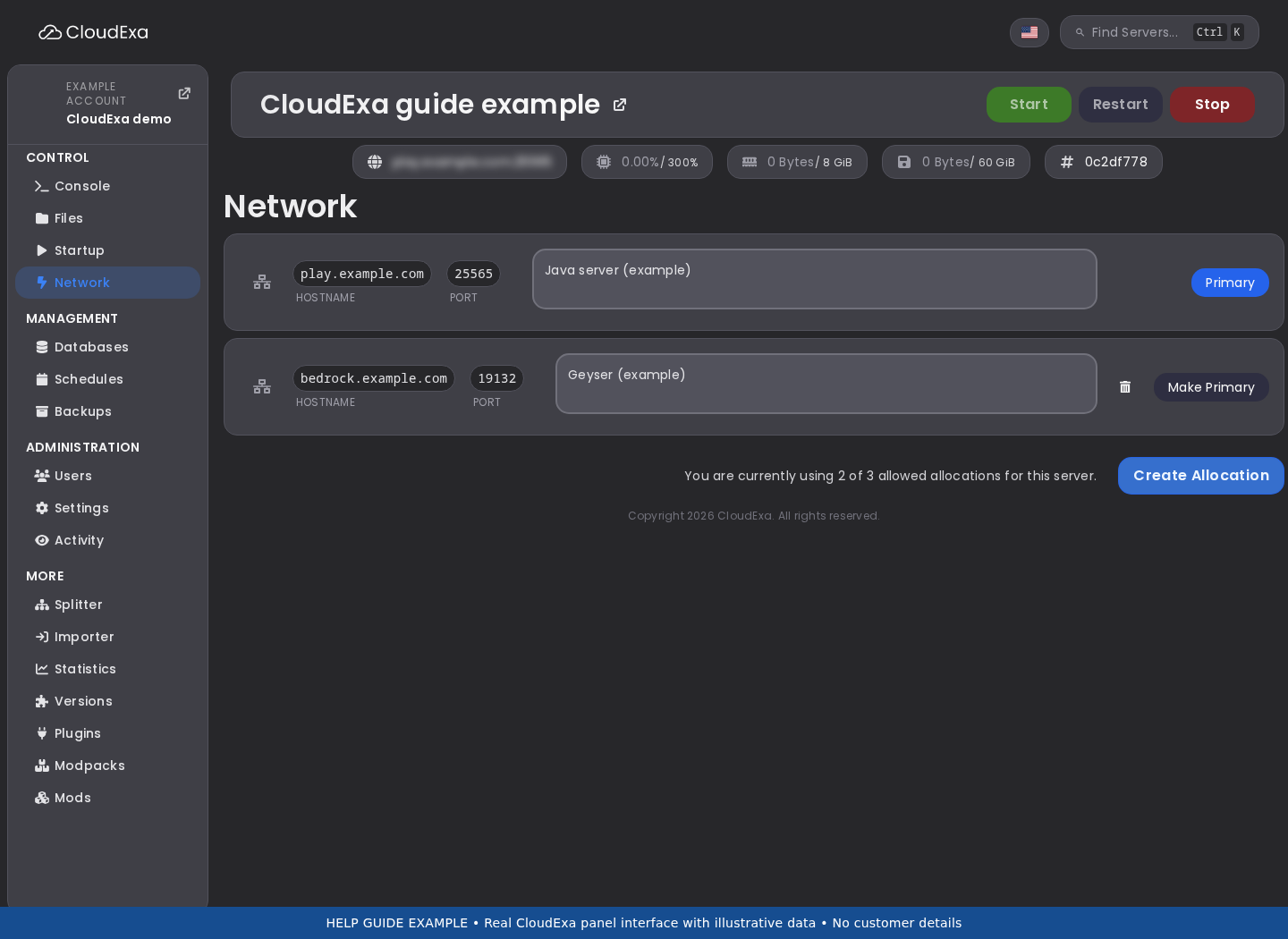
- For independent backend voice services, verify that each uses its own assigned UDP endpoint and advertises the correct public destination. Do not point two services at the same allocation merely because they share one Minecraft proxy.
- For a proxy-owned route, inspect the documented backend names, voice destinations and forwarding-secret configuration privately. Match server names to the proxy’s real configuration and do not paste the shared secret into a support screenshot.
- Test a fresh connection to each backend and a transfer in both directions. Record when detection succeeds and when audio stops, keeping the Minecraft connection, handshake and UDP transport as separate observations.
Check the result
Players should keep or re-establish voice on each intended backend through the chosen architecture. Verify the destination after a second transfer, since a first successful login does not prove that cross-server switching is correct.
If the test fails
Restore the previous working route for the trial backend if the edit breaks it. Ask support to verify the assigned mappings when endpoints match but transport fails; do not expose private backend voice ports globally without reviewing the design.
The official proxy design can use one public UDP port while backend traffic remains between proxy and servers. Preserve that distinction instead of opening every backend port as a troubleshooting shortcut.
References and related help
Check the official Plasmo Voice documentation against your installed release before using a command or setting from another version.