Export LuckPerms data before changing its storage configuration
A permissions-storage change needs a usable export and a tested restore plan. Capture the current state before pointing a working server at a different database.
Follow the procedure
- Record the installed LuckPerms version, current storage method, server identifier and messaging configuration. Keep database passwords out of shared notes and screenshots.
- Use the installed release’s
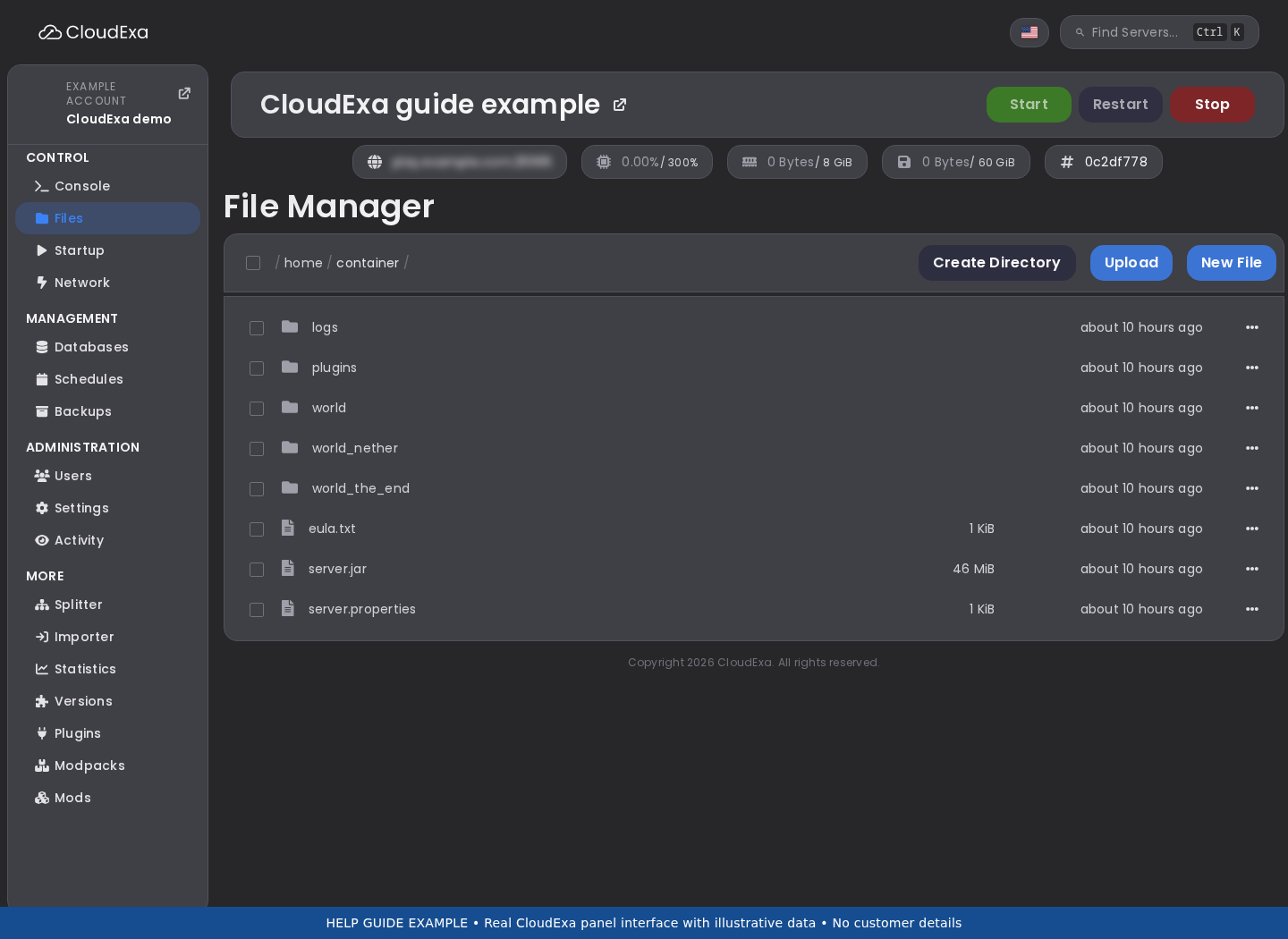
/lp exportcommand with a descriptive export name. Read the completion message and note the resulting file location. - Copy the completed export off the game server through the panel file manager or SFTP. Check its size and keep a protected copy with the change record.
- Prepare a separate test instance with a separate data store. Test importing the export there, using the same relevant LuckPerms version and documented import procedure.
- Compare representative groups, contextual permissions, temporary grants and UUID memberships in the test copy. Check that expired temporary permissions behave as expected.
- Plan the production cutover only after the test succeeds. Keep the old data store untouched and document which store should receive writes during the migration window.
Check the result
The export should exist outside the original server and recreate a representative permissions state in an isolated test. Include a normal player, staff member and contextual rule in the acceptance checks. A file with a plausible name is insufficient evidence that the import process will work.
If the result is wrong
If the export is incomplete or the import differs, retain the working production storage and investigate the version or import error. Do not empty database tables or overwrite the original export to retry. Reverting a storage cutover requires knowing which instance accepted newer edits after the checkpoint.